
Can you wear glasses in a passport photo in the UK?
5 March 2026


The short answer: GOV.UK’s passport photo rules say you shouldn’t wear glasses in your photo unless you have to. If you genuinely can’t take them off, you can keep them on, as long as they aren’t sunglasses or tinted glasses and your eyes are fully visible, with no glare, reflection or shadow from the frames or lenses.
This guide is for:


GOV.UK is the government’s official site for passport applications, and its advice is simple: don’t wear glasses in your photo unless you have to. The rule is the same for digital and printed photos, and it applies whether you wear eyeglasses for distance, reading or both.
The reason is security. Your photo is used to confirm your identity, so your eyes need to be clear and fully visible. Glasses can:
Any one of these can get your photo rejected and your application delayed.

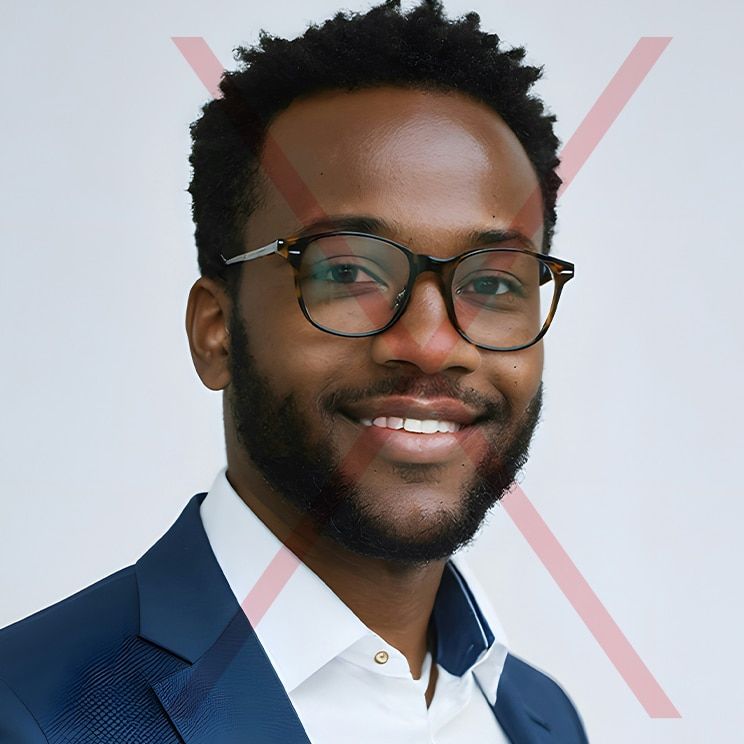
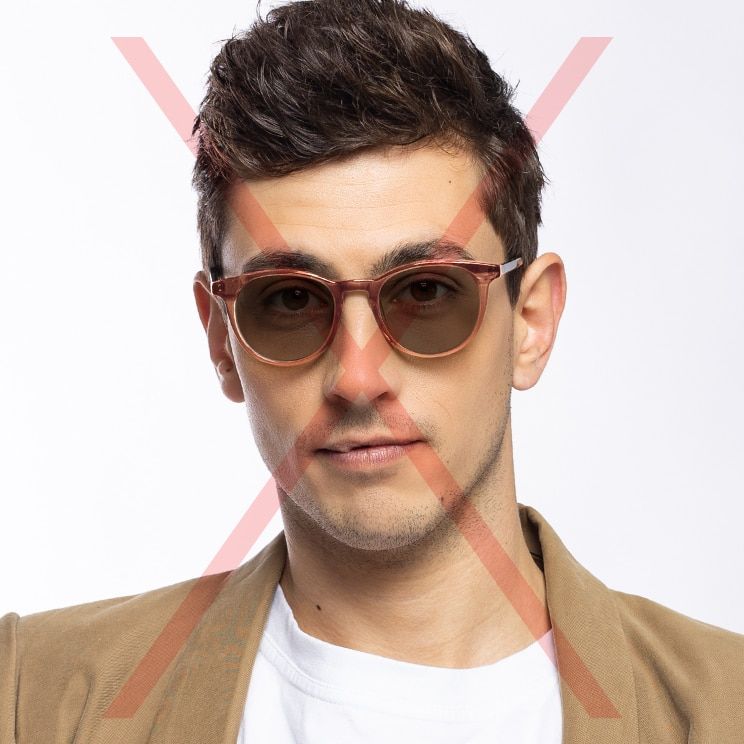
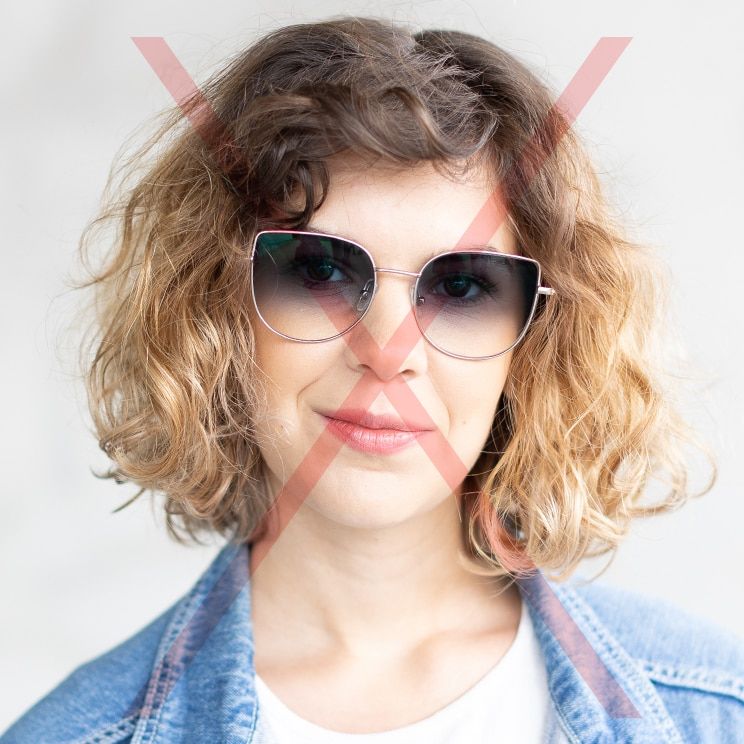
Yes, if you genuinely can’t take them off. GOV.UK doesn’t list specific reasons, but you might have just had eye surgery, or your eyesight without glasses might make it unsafe to sit for the photo. If you keep your eyewear on, the GOV.UK rules say:
A few tips from our opticians (these aren’t GOV.UK rules, but they help):
A quick example: you wear prescription glasses for distance but can see fine up close. The camera is less than a metre away, so you take them off for the shot and put them straight back on afterwards. That’s what most glasses wearers will do.
If you’re disabled, GOV.UK offers help with passport photos for disabled people.
The rules depend on how you apply. You’ll need a digital passport photo to apply for a passport online, and printed photos for a paper application.
| Rule | Digital passport photo (online) | Printed photos (paper form) |
|---|---|---|
| How many | One digital file | Two identical prints |
| Size | At least 600 pixels wide and 750 pixels tall, file between 50KB and 10MB | 45mm high by 35mm wide, with your head 29mm–34mm from crown to chin |
| Background | Plain light-coloured background | Plain cream or light grey background |
| Framing | Head, shoulders and upper body if taken on your own device. Don’t crop it, as GOV.UK crops it for you | Close-up of your full head and upper shoulders |
| Quality | Clear, in focus, in colour, unaltered by software | Professionally printed in colour on plain white photo paper, no border, no creases or tears |
| Where to get one | Photo booth or shop (ask for a photo code), or your own device during your application | Photo booth or shop |
Both types must have been taken in the last month. You also need a new photo for every new passport, even if you look exactly the same. According to the GOV.UK printed photo rules and digital photo rules, every photo must show you:

If your photo doesn’t meet the rules, your application will be delayed while you retake and resubmit it. That’s the last thing you want with flights already booked. Photos often get sent back for:

Yes, for online applications. You can take a digital passport photo on your own device during your application, but you’ll need someone to help, so a quick arm’s-length selfie won’t work. GOV.UK says photos from a booth or shop are more likely to be approved than ones taken at home.
If you do take it at home:
Prefer a booth or shop? Choose the option to get a photo code, then enter the code during your online application and your photo is added for you.
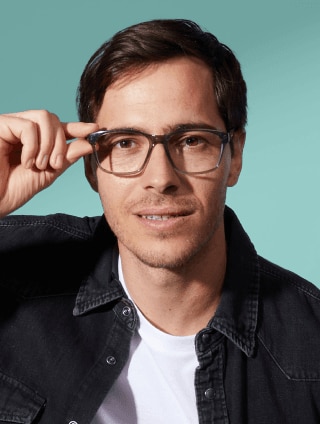
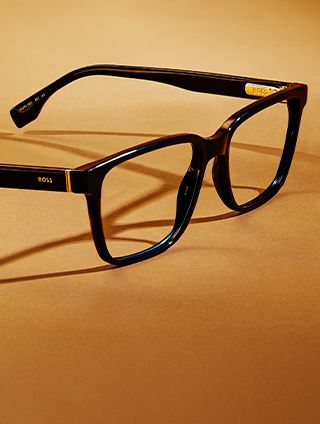
If you have to keep your glasses on, the frames make a real difference. Slim, lightweight frames sit closer to your face and cast less shadow than chunky ones. It’s the same trade-off you weigh when you compare full-rim, semi-rimless and rimless glasses: less frame around the lens means less to shadow your eyes. Titanium glasses are a good place to start.
An anti-reflective lens coating also cuts down the reflections that bounce off your lenses. The photo still needs to show no glare at all, though, so check it before you submit.
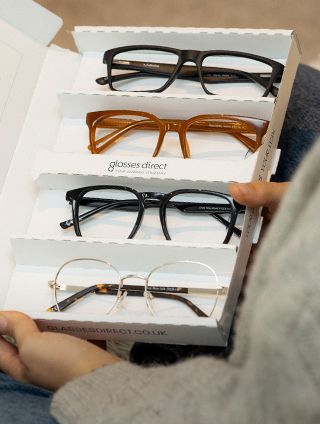
Want to see how slimmer frames look on you first? Our free Home Trial lets you try up to four frames at home for seven days, with free delivery and returns.
And if you don’t need your glasses for the photo, the simplest fix still wins. Take them off, and you avoid glare, shadows and a retake in one go. Safe travels.
Only if you have to. If you keep them on, they can’t be sunglasses or tinted glasses, and your eyes must be fully visible with no glare, reflection or shadow.
No. GOV.UK doesn’t allow sunglasses or tinted glasses in passport photos, even if they have your prescription.
If you can’t safely take them off, you can keep them on. Make sure the lenses are clear, your eyes aren’t covered by the frames, and there’s no glare in the photo.
The same glasses rule applies to children. Children under six don’t have to look straight at the camera or have a plain expression, and babies under one don’t need their eyes open.
GOV.UK’s photo rules don’t mention contact lenses. Clear contact lenses don’t cover your eyes, so if you already wear them, they’re an easy way to see clearly without glasses in the shot. We’d avoid coloured or patterned lenses, since they change how your eyes look.
No. You need a plain expression with your mouth closed.
Yes. You need a new photo for every new passport, even if your appearance hasn’t changed, and it must have been taken in the last month.
Your application will be delayed until you send a photo that meets the rules, so you’ll need a retake.